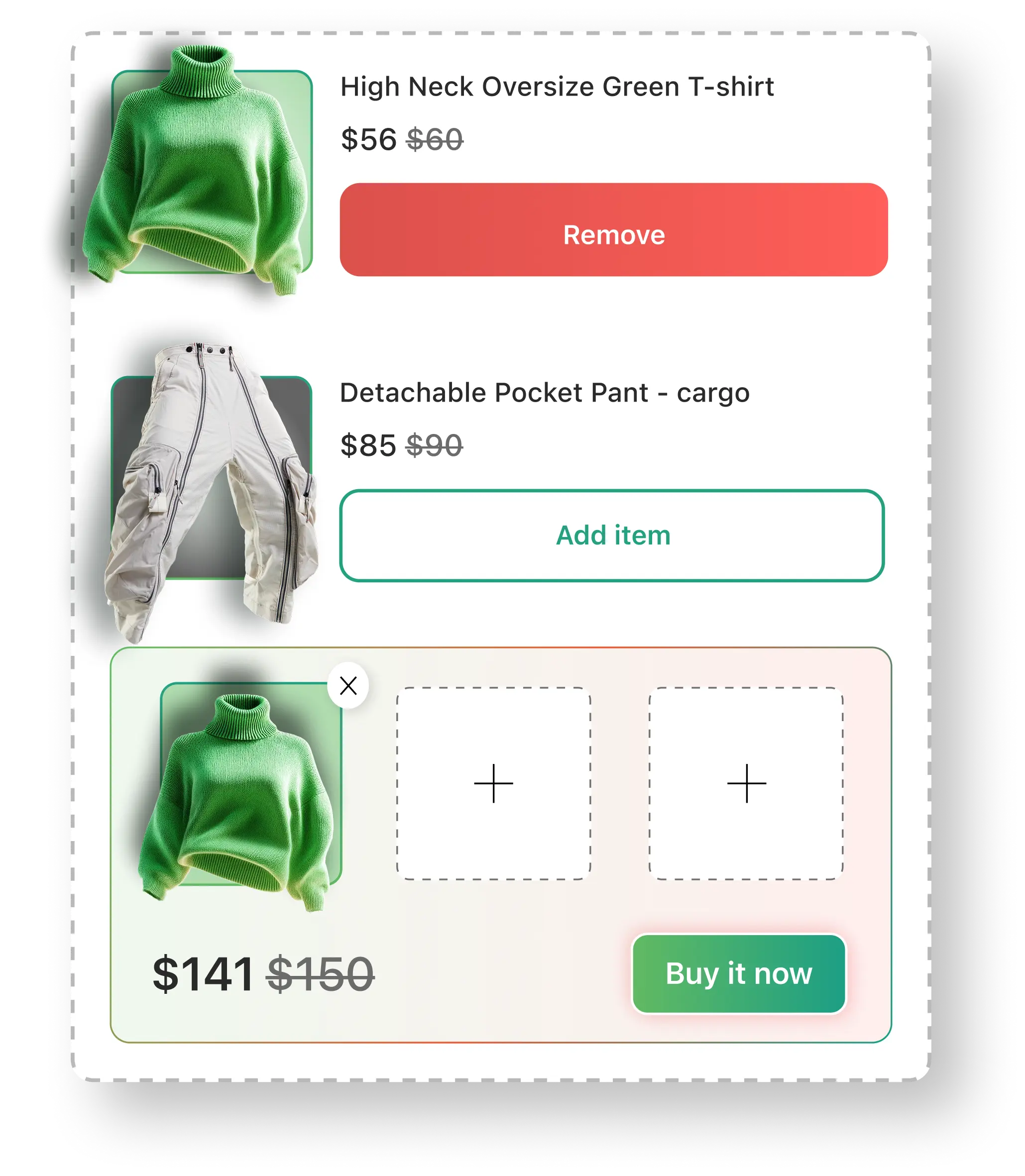
How
will work?
Limited picks Bundle:
Select the range to set the maximum number of products customer can choose from the bundle.
Add the URL from your store wherever you want to display this Build Your Box Bundle on your store page.
Set a discount for bundle
Choose products for bundle.
This will only work with the Paid Plans.
Select the product range to set the maximum number of products customers can choose.
Add the URL of your store page where you want to display the Build Your Box Bundle.
Select a discount type (Fixed Price/Percentage) and enter the discount value.
Choose products within this bundle.
Unlimited picks Bundle:
Add the URL from your store wherever you want to display this Build Your Box Bundle on your store page.
Set a discount for bundle Choose products within this bundle.
Define each product’s discounted price when they are purchased as a Box product.
This will only work with the Paid Plans.
Add the URL of your store page where you want to display the Build Your Box Bundle.
Choose products within this bundle.
Set the minimum and maximum quantity for each product.
Define each product’s discounted price.

