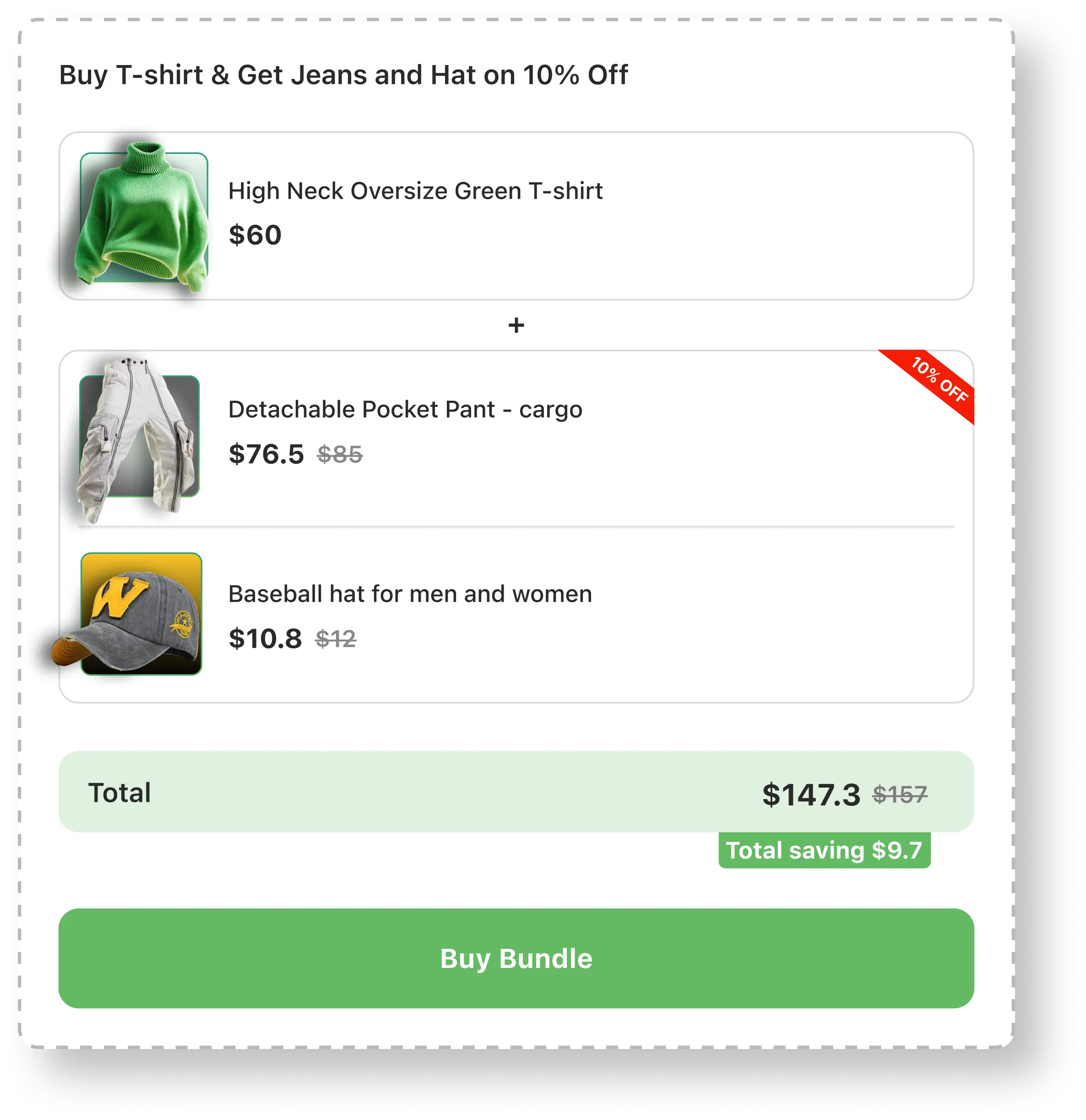
How
will work?
Add a block title that will be displayed as the heading for your bundle widget in the online store.
Set the discount for each selected “Get Y” items.
Choose the products that customer buys.
Choose the products that customer can get them with discount or free.
Setup a Buy x get y Bundle within 4 steps:
Add a block title to display as the offer title on the store side.
Add the discount for each selected “Get Y” items.
Set the Discount code which will be used to show in the cart for each selected product.
Set the Discount type(percentage, fixed or as free gift)
Set the Discount value
Select the products that customer buys.
Select the products that customer can get with discount or free.
If you need to include additional quantity breaks, add tiers for the varying quantities.

